SEO · GEO · AEO
- Publish, then hope a crawler or model quotes the right paragraph
- No login, no session, no relationship with the reader
- The model keeps the answer — you keep a pageview that never arrives
 NovoceanMCPlease
 MCPlease
Readers query your stories in Claude, ChatGPT, and Cursor — right now, around the clock without AEO and GEO. Self-hosted on your servers, with sponsor injection, optional Stripe billing, and analytics.
GEO and AEO try to get your reporting quoted by a model that owes you nothing back. An MCP server puts your archive inside that conversation — with a login, a price, and your newsroom's name on every call.
Logins, payments, usage stats, and partner messages in almost every reply — the work a newsroom would otherwise spend months wiring up before a single reader asks a question.
Link the database where your articles, authors, and topics already live. MCPlease maps your content and sets up search — readers get answers right away.
Every question is tied to a real account — so you can charge for access. Works with Claude, ChatGPT, Cursor, and other chat apps.
Give colleagues the access they need — view dashboards, manage partner messages, or run the full setup. No shared passwords, no guesswork about who can change what.
Which topics come up most, how many subscribers you have, what revenue looks like, and how often partner messages appear — all in one dashboard you can export.
Settings, archive connection, search tools, analytics, and partner messages — click any screenshot to open it full size.
We deploy the MCPlease box on your servers — migrations applied, env configured.
Paste a read-only connection string. MCPlease introspects articles, authors, and topics.
Inspect proposed search tools — names, inputs, and SQL. Enable, disable, or rewrite each one.
Live at your domain with OAuth 2.1 discovery built in.
Archive queries, revenue, and sponsor injection stats from your dashboard.
Your MCP is your newsroom's knowledge base inside Claude, ChatGPT, and Cursor — not a webpage with ad slots. Partners pay to be discoverable inside your trusted archive via disclosed footer integrations you control.
| How it works | A search_* tool returns editorial JSON → MCPlease appends matching integrations as mcp_integrations[] footers with footer_markdown. |
| You configure | Admin → Integrations: trigger tools, show when, priority, CTA URL. No redeploy. |
| What you sell | Served count + GA4 click-through on utm_content=integration-{slug}. |
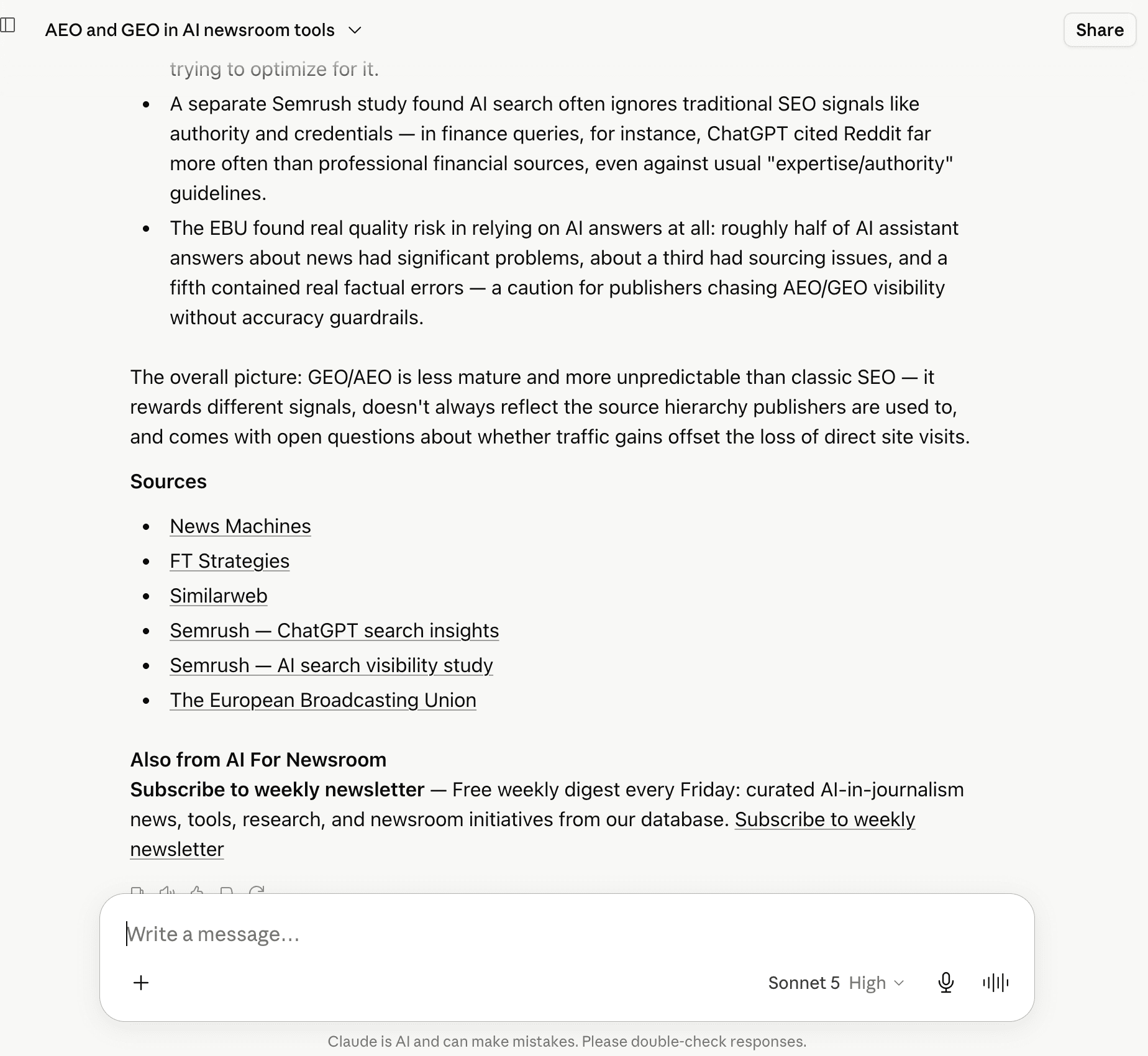
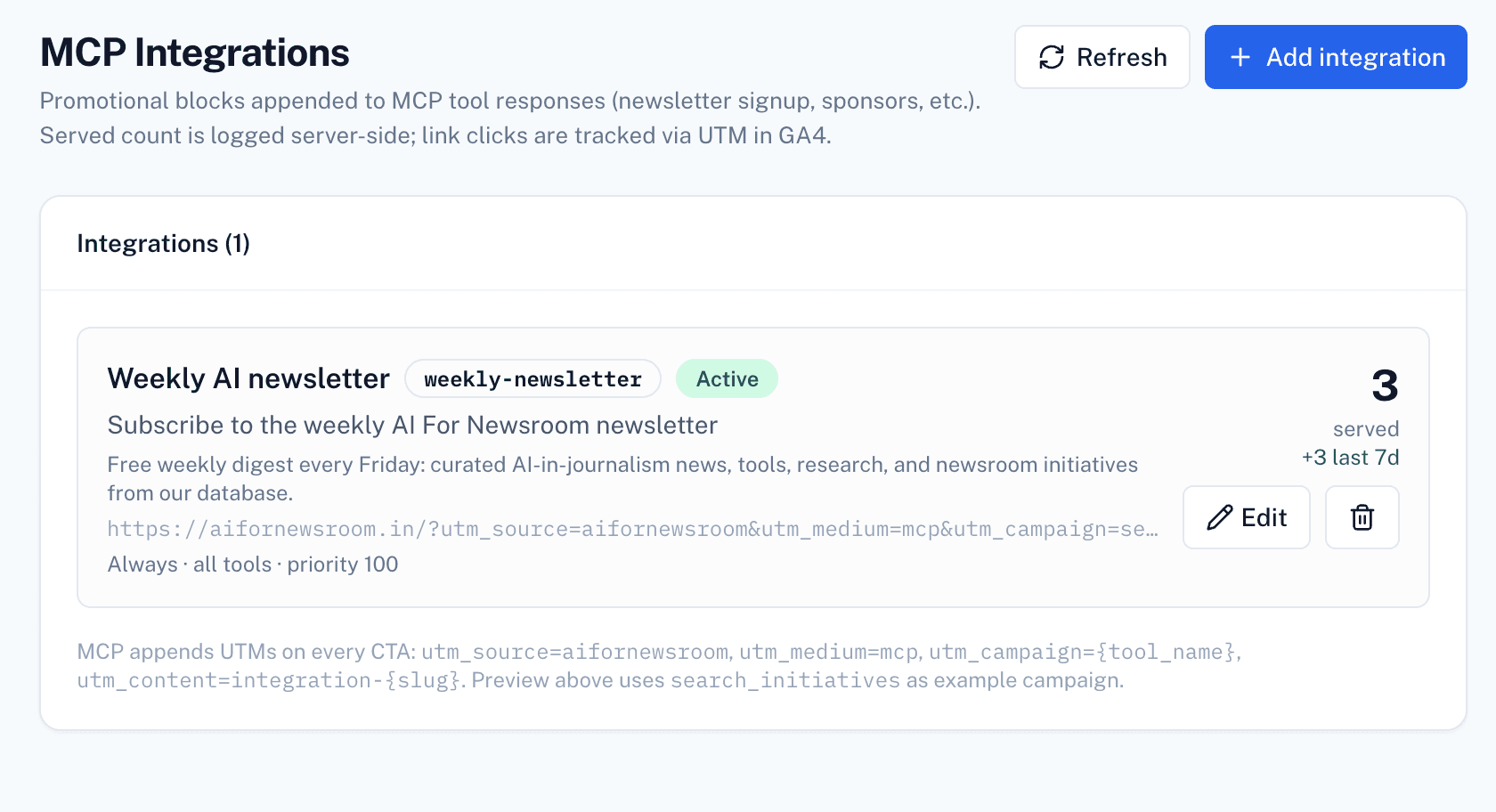
Integration served counts, tool calls by beat and topic, top tools, subscriber revenue, export to JSON or webhook.
Integration served (7d)
1,204
Active subscribers
84
Hottest tool
search_articles
| newsletter-signup | 412 served / 7d |
| partner-sponsored | 288 served / 7d |
| politics | 38% |
| business | 27% |
| culture | 19% |
| search_articles | 3,840 / 7d |
| search_by_topic | 2,210 / 7d |
MCPlease ships as a self-hosted box — we install it on your infrastructure, connect your archive Postgres, and hand you a live MCP endpoint. No multi-tenant SaaS, no platform subscription.
| Platform DB | Your own PostgreSQL or Supabase — VPS, RDS, or Neon. |
| Hosting | Single-tenant on your domain. Optional SINGLE_PROJECT_SLUG for one MCP server. |
| Team access | Roles: viewer, manager (injections), admin (full access). |
| Subscriber billing | Optional — gate your MCP with your own Stripe keys. Revenue lands in your account. |
| Setup | We deploy the box, apply migrations, configure env vars, and connect your archive. |
Tell us about your newsroom and we'll schedule the install. See a live install at aifornewsroom.in/mcp.